
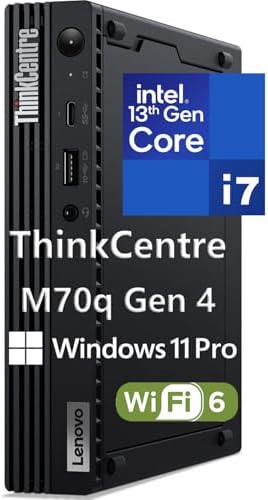
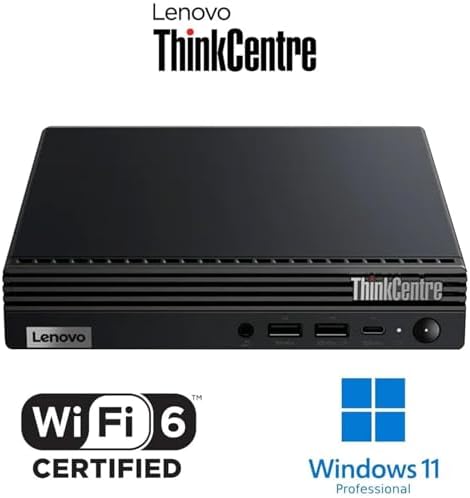
Best Mini Business Desktop PC With Windows 11 Pro USA
-
-
-
Best Mini Business Desktop PCs: A 2026 Buying Guide for U.S. Offices
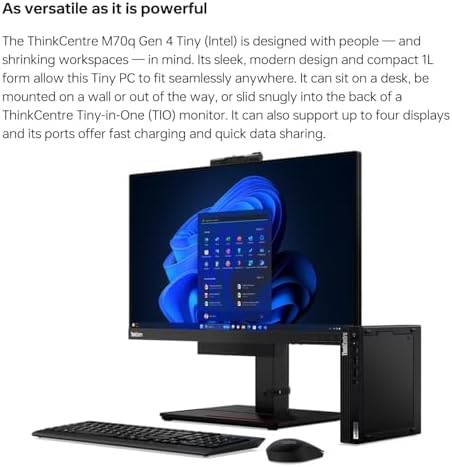
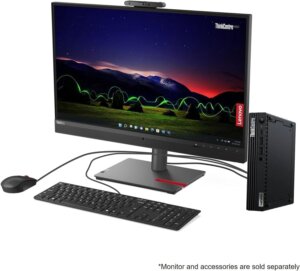
Traditional office towers are quietly losing ground. Across small businesses, home offices, and corporate IT departments in the U.S., the mini desktop PC has become the default choice for everyday work—powerful enough for office software, video calls, and multitasking, but small enough to mount behind a monitor or tuck under a desk. This guide breaks down what actually matters when choosing a mini business desktop, along with the trade-offs to weigh before you buy.
Why Businesses Are Switching to Mini PCs
A modern mini PC built around a six-core Intel Core i5/i7 or a comparable AMD Ryzen Pro chip can match or outperform full-size towers from just a few years ago. Improvements in integrated graphics, NVMe solid-state storage, and power efficiency mean these machines now handle everyday business computing—browser-based apps, office suites, video conferencing, and light creative work—without breaking a sweat. For fleets of desks in an office, the smaller footprint, lower power draw, and quieter operation add up fast.
What to Look For in a Business Mini PC
Processor. For general office work—email, spreadsheets, video calls, cloud apps—a mid-range Intel Core or AMD Ryzen chip is plenty. Employees doing heavier multitasking, data analysis, or light creative work benefit from a higher-tier “H” or “HS” series chip built for sustained performance.
Memory. 16GB of RAM is a sensible baseline for most primary business workstations in 2026. Simple reception or browser-only stations can get by with less, but admin, accounting, scheduling, and owner desks shouldn’t be underbuilt.
Storage. Look for NVMe SSD storage rather than older SATA drives—it removes the bottlenecks that made earlier compact desktops feel sluggish, especially when juggling multiple applications.
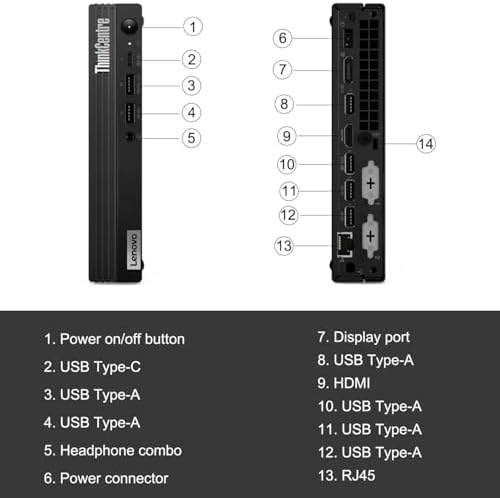
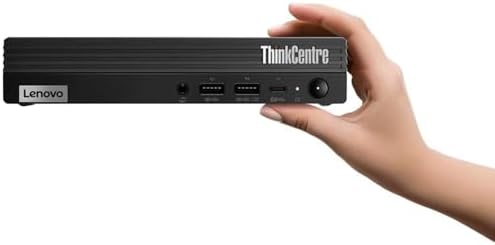
Ports and display support. Business use often means two monitors. Confirm the machine supports dual 4K output via HDMI and DisplayPort, and check for enough USB ports for keyboards, docks, printers, and peripherals like barcode scanners or receipt printers if you’re running point-of-sale software.
Security features. For businesses managing several machines, look for enterprise security features such as Intel vPro or equivalent remote-management and endpoint-protection tools, along with a solid manufacturer warranty (business-line support plans are worth the extra cost).
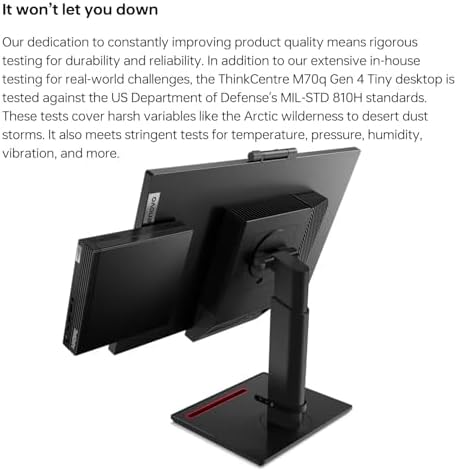
Durability and support. Business-tier lines from major manufacturers typically go through more rigorous durability testing than consumer models and come with better multi-year support and next-business-day service options—important if a machine goes down mid-workday.
Windows vs. Mac for Business Desks
If your business is Windows-based and depends on desktop software, POS hardware, or industry-specific tools, a Windows business-line mini PC (from lines built specifically for commercial deployment) is the safer standardization choice. If your team is Mac-first and works mostly in browser-based, creative, or cloud tools, a compact Mac desktop is worth considering instead. The right call comes down to your existing software stack more than raw specs.
Mini PC or Tower?
Mini PCs are an excellent fit for standard office productivity—administration, communication, light multitasking, and dual-monitor setups. If anyone on your team does heavier creative work, engineering, or data-intensive tasks that benefit from a dedicated graphics card or multiple internal drives, a small-form-factor tower still makes more sense, since it leaves room to expand.
Pros of a Mini Business Desktop PC
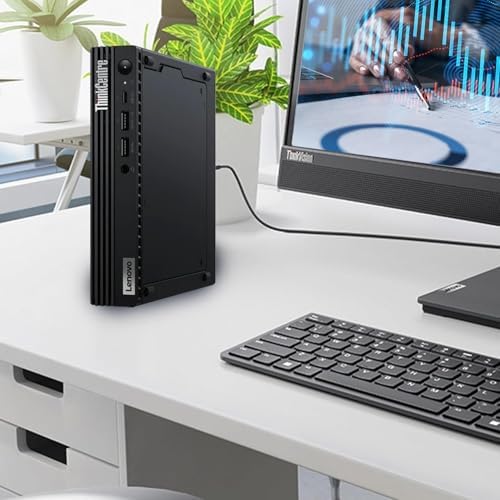
- Space-saving footprint—frees up desk real estate and can be mounted behind a monitor or hidden under a desk.
- Lower power consumption than full-size towers, which adds up across a whole office.
- Quiet operation—most run cool and silent under typical office workloads.
- Easy to deploy at scale—lightweight and simple to swap between workstations or carry to a new hire’s desk.
- Strong price-to-performance ratio for everyday business tasks, thanks to efficient modern processors.
- Enterprise features available—many business-line models include remote management and advanced security tools.
Cons of a Mini Business Desktop PC
- Limited internal expansion—little to no room for extra drives, add-in cards, or a dedicated graphics card.
- Not ideal for heavy creative or data workloads—video editing, 3D rendering, or large dataset analysis benefit from a full tower or workstation.
- Higher-end configurations get pricey—a fully specced mini PC can approach or exceed the cost of a mid-range tower.
- Fewer ports than a tower in some models, which can matter for offices with lots of peripherals.
- Cooling constraints—sustained heavy workloads can push compact systems toward thermal throttling more than a larger case would.
Frequently Asked Questions
Is a mini PC powerful enough for small business use? Yes, for the vast majority of office tasks—document editing, cloud software, video calls, and everyday multitasking—a modern mini PC with a mid-range processor and 16 GB of RAM is more than capable.
How much RAM does a business desktop need? 16GB is a safe standard for most primary workstations in 2026. Simple browser-only stations can run on less; data-heavy or multitasking-heavy roles may benefit from 32GB.
Can a mini PC run two monitors? Most current business-line mini PCs support dual monitors, including dual 4K, via HDMI and DisplayPort outputs—check the exact model’s spec sheet to confirm.
Should I buy a Windows or Mac mini desktop for my business? Base the decision on your existing software. Windows-dependent workflows (POS systems, industry-specific desktop software) call for a Windows business-line PC; browser-first, creative, or cloud-native teams often do well with a compact Mac.
-
-
Forrest Megargel –
GPU under powered (not really, see update)
I really want to like this little computer. It checks almost all the boxes of what I want, however, I use it mostly for CAD work and it just isn’t up to the task. My work is continually freezing and pan and zooms are choppy. I have ordered a P1000 gpu to replace the P620 that the computer comes with. Hopefully this will help the problem; if not, I’ll be looking for a new machine.Update 6-18-21: This machine is just plain slow! It is constantly lagging. I can hardly perform any function without it freezing for 20 seconds. I have a 10 year old windows 7 machine that performs much better, which I will be using from now on.
5 people found this helpful
GFY –
Powerhouse in Tiny Case!
It was fine to upgrade machine in office and couldn’t be happier with this purchase.It is no joke, referring to how much space you will save with this unit. I have tucked it under an already low standing monitor stand, and still have room to plug or unplug accessories, USB devices, etc.This machine has all the power and features needed from a modern day PC, but packed in to a super efficient and tiny case.This will be on my radar for future purchases, and absolutely will highly recommend this product.
One person found this helpful
J. Stoker –
Solid desktop PC good for tight places
This desktop PC is reliable and works well right out of the box. It fits nicely in a tight place and has served my purposes quite well.
Amazon Customer –
Perfect for small Business
This computer meets all my requirements. This is being used in a small business environment with minimal space available space for the work station.
One person found this helpful
Rocky Mountain Husker –
Perfect business pc
I use tons of these for my company.. ,,, they work well and Provide plenty of power for my staff to do everything they need to do
Craig Freeman –
Get this if you need a nw desktop computer
From a full size form factor (24″ tall 26″ deep by 8 inches wide) my 800 watt, with five fans running full blast gaming computer, was getting close to needing an upgrade. I got the Lenovo P330 as a temp work computer, but it has totally replaced my old machine. Its barely 7-1/2″ by 7″ by 1-1/2″ , is almost dead silent most of the time, (the fan does come on with intense graphics, but only for a short time) and draws under 165 watts. It has run everything I’ve thrown onto the SSD with ease to include a popular flight sim and intensive photo processing program.