
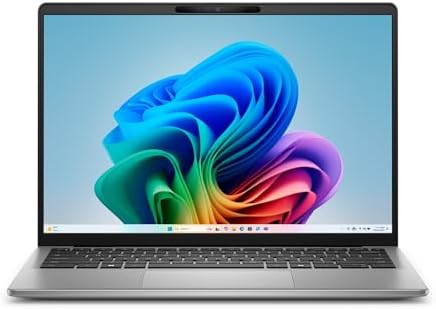
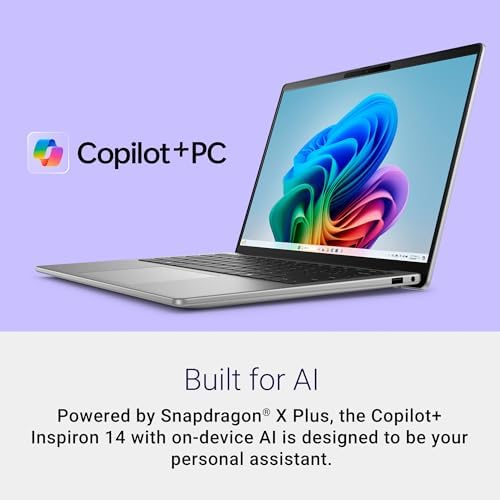
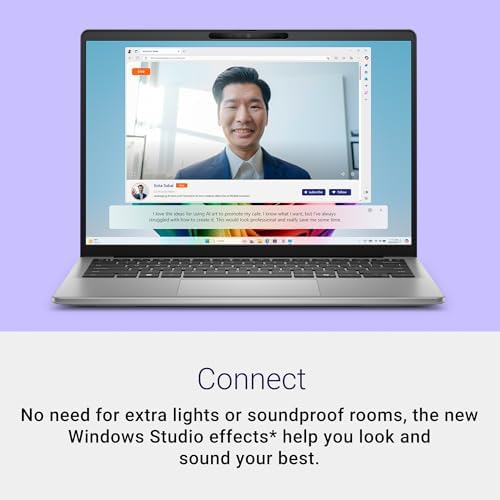


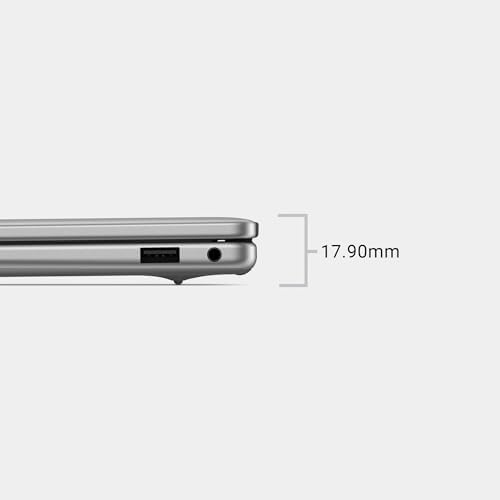
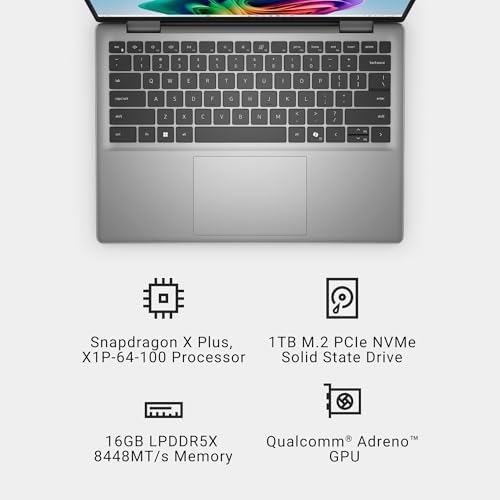
Dell Copilot Inspiring Laptop 14-inch FHD+ (1920×1200) Display, Snapdragon X Plus
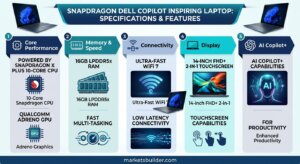
Dell Copilot+ Laptop: The AI-Powered PC Built to Keep Up With You
Dell has fully leaned into the Copilot+ PC era, and its lineup—spanning the XPS, Inspiron/Dell Plus, and Latitude/Dell Pro families—is designed around one core idea: AI that runs on the device, not just in the cloud. For US shoppers comparing “smart” laptops for work, school, or everyday multitasking, Dell’s Copilot+ machines are among the most talked-about options on the market in 2026, and it’s worth understanding exactly what that “AI-powered” label actually buys you.
What Makes It a Copilot+ PC
To carry the official Copilot+ badge, a laptop needs a dedicated Neural Processing Unit (NPU) capable of at least 40–45 trillion operations per second (TOPS), a minimum of 16GB of RAM, and fast SSD storage. Dell’s current Copilot+ machines pair that NPU with either the latest Intel Core Ultra (Series 2) chips, AMD Ryzen AI 300-series processors, or Qualcomm Snapdragon X Elite/Plus silicon—giving buyers a real choice of platform depending on whether they prioritize raw performance, battery efficiency, or app compatibility.
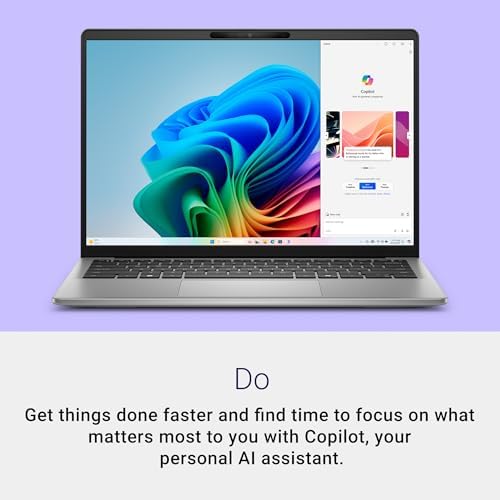
That NPU is the whole point. Instead of routing every AI task to a remote server, tasks like live captioning and translation, background blur and noise cancellation on video calls, on-device document search, and image generation happen locally. That means faster responses, better privacy for your data, and AI features that keep working even without a strong internet connection.
Everyday Performance and Battery Life
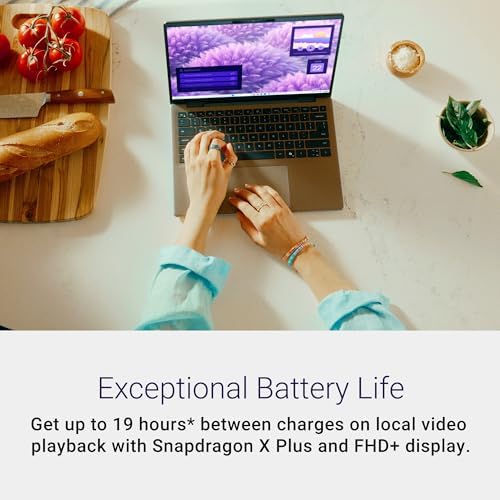
This is where Dell’s Copilot+ laptops genuinely stand out. Models like the XPS 13 on Snapdragon X Elite advertise battery life stretching past 24 hours, while the Latitude and Dell Pro lines report up to 18–21 hours depending on configuration. Combined with Dell Optimizer’s AI-driven power tuning—which adjusts CPU load, screen brightness, and background processes on the fly—these machines are built to survive a full workday, a cross-country flight, or a semester of back-to-back classes without hunting for an outlet.
Design and Build Quality
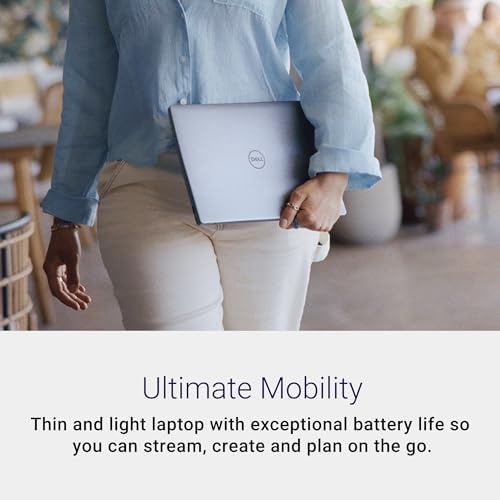
Dell hasn’t sacrificed design to chase AI specs. The XPS 13 remains one of the thinnest, lightest laptops in its class, while the Inspiron/Dell Plus series uses low-emission, recycled aluminum for a premium feel at a more accessible price point. Business-oriented Latitude and Dell Pro models add durability extras like MIL-STD testing, magnesium chassis options, and collaboration touchpads built specifically for Teams and Zoom calls.
Who It’s Actually For
- Students and multitaskers get long battery life and instant, on-device help summarizing notes or research.
- Remote and hybrid professionals benefit from AI-enhanced video calls, faster search across local files, and less dependence on cloud tools.
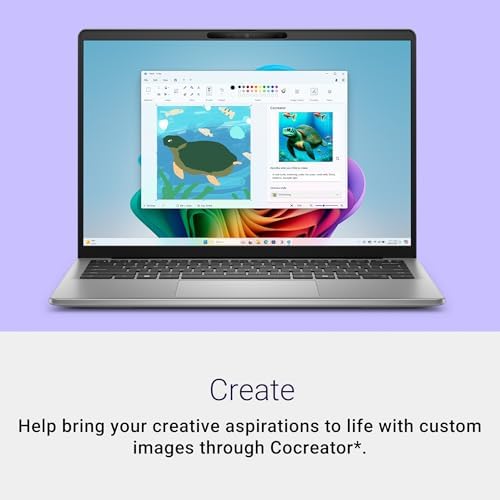
- Creators get a head start on AI-assisted image generation and content workflows without waiting on cloud processing queues.
Pros
- Genuine on-device AI (NPU-powered) for speed, privacy, and offline reliability
- Class-leading battery life across most Copilot+ configurations
- Choice of Intel, AMD, or Snapdragon platforms to match your priorities
- Strong build quality, including sustainable materials on Plus/Inspiron models
- Dell Optimizer intelligently manages power without user input
- Backed by Dell’s warranty, support network, and financing options
Cons
- Copilot+ AI features are still rolling out gradually and aren’t all live yet on every model
- Snapdragon-based models can have inconsistent compatibility with some legacy Windows apps
- Entry-level AI PCs still start above traditional laptops, though prices have dropped closer to $800–1,000
- Some flagship AI experiences require ongoing software updates through 2026 to reach full functionality
- Higher-end configurations (more RAM, larger SSDs) still command premium pricing
FAQ
1. Is a Dell Copilot+ laptop actually worth it, or is it just marketing hype?
Short answer: it depends on how you use your laptop. If you’re constantly on video calls, juggling dozens of tabs, or wish your battery didn’t die by 3pm, the on-device AI and 18–24+ hour battery life are real, measurable upgrades—not just a sticker on the box. If you mostly browse and stream, you probably won’t notice the NPU at all.
2. Can a Dell Copilot+ PC run AI features without the internet?
Yes—that’s the entire point of the NPU. Tasks like live captions, background blur, on-device search, and voice enhancements run locally on the chip, so they keep working on a plane, in a dead zone, or anywhere your Wi-Fi bails on you.
3. Which Dell Copilot+ laptop should I actually buy: Intel, AMD, or Snapdragon?
Snapdragon wins on battery life (often 24+ hours) but can stumble on niche legacy Windows apps. Intel Core Ultra and AMD Ryzen AI offer the broadest app compatibility with slightly shorter (though still strong) battery life. If you live in specialized software, go Intel/AMD; if you live in your browser and Office apps, Snapdragon is hard to beat.

Nathan –
First ARM laptop, and blown away. In depth review.
This was my first snapdragon windows laptop, and I was nervous about compatibility, and yes, a few things I usually run don’t work on ARM. Knowing that is extremely important before purchasing it, what is your workload? If a lot of it is browser based this laptop is excellent.The keyboard and trackpad are both great. The screen is 1080p, and looks decent, I’m not going to deduct points because of better screens existing, I knew when buying it that it isn’t some oled screen, so for what type of screen it is, it’s very good. Backlight light bleed is barely visible.It actually weighs more than I expected, but not in a bad way. It’s never been too heavy, it’s just got a strong shell made of some sort of metal, not plastic. It FEELS premium.The battery life is something new to me, I’ve had many laptops, but even working on the laptop with the screen at full brightness, the battery lasts and lasts. Someone mentioned not thinking now when sitting to make sure an outlet is nearby, and I can attest to that mental shift. In real world use, real world tasks, under a decent workload? I still get 6-8+ hours on battery, and then it charges insanely fast too.I am, currently, extremely satisfied with this laptop. I’ve had it nearing a month and not run into any issues aside from a few programs not working on ARM yet. I want to be fair and will come back and edit this if I encounter issues, but right now? I don’t have “cons” to mention. Just check compatibility with ARM for programs you use, more are getting ARM versions by the day, and sometimes alternative applications are even better? Parsec doesn’t currently have an ARM version, but Moonlight does and works exactly like Parsec, just as good, even able to play games remotely using that.Full transparency, I have not attempted to game on the actual laptop. It’s specs aren’t super suited for gaming, but I’m sure it’ll run light load games. Also, lastly, the size of it is compact and easy to carry and put in a bag, but it doesn’t feel small when using it, infact the 16:10 aspect ratio makes it feel bigger when doing so!I am very happy with the laptop so far, and if I run into issues I will edit this review and update it, but currently? It doesn’t have issues for me to list. I would absolutely recommend this laptop with the asterisk of your use case, since not everything works on ARM. But for what I need? This is perfect.
4 people found this helpful
rus99 –
Good laptop
Fast processor. Long-life battery. Quick charging. A little heavy, but with the aluminum case it feels sturdy. Touchpad works, although I categorically do not enjoy touchpads. I personally would prefer a built-in trackball, if feasible, although I have never seen one. This laptop is fun because it is so fast and responsive. So far no failures, after 6 months.
unclemings –
Cam with fan issue
Came with a fan issue. Resolving with Dell.
2 people found this helpful
Cathy Roof –
Great battery life!
So far this laptop has been great!! The battery life is awesome. I only have to charge it every other day and I work on it for 5 hours in a stretch or longer. It’s lightweight and just the right size for my work at home job. This isn’t a touchscreen , but I don’t need one. I’m sure I haven’t tapped into all of what it can do. Great value for my money.
Princess –
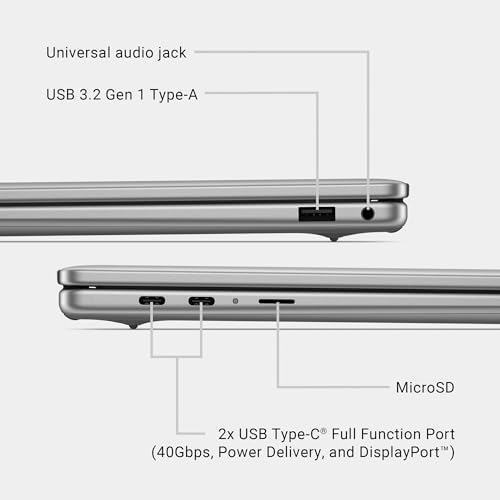
Compact and fairly quick. Only one USB 2.0 port.
The laptop is really nice and compact. Easy to travel with and fairly quick. It does have a limited number of USB 2 ports.
5 people found this helpful
Steve –
Solid
Solid laptop for the money. It is very similar to my work laptop in design, but being 3 yers newer, is very quick. I’m not a gamer or expert, but fits my needs well.
Hunter Dodson –
Nice 14 inch Laptop
This laptop is a great size for travel and sitting in your lap. Light with very nice features.
Amazon CustomerAmazon Customer –
No duró ni un mes
Se dañó la pantalla. No duró ni un mes
Amazon Customer –
Problems with Basic Functions
Good specs, but some MAJOR issues:- Mouse will disappear and won’t load for almost a minute- computer will freeze for almost a minute after coming back from sleeping- Teams won’t install…TEAMS! a native Microsoft app!I’m sure there could be more things that come up, but I didn’t give it a chance to, since I just can’t afford to keep trying.Untimately, I would tread lightly on purchasing this. I tried to love it, but I just can’t get past the issues since it’s crippling my ability to use it as a working machine. Not sure if it’s the Qualcomm hardware not jiving, but it’s just not working for me.
3 people found this helpful
Charlie –
Great value for the price point
Easy setup. Great job of helping the user get online and going fairly quickly. Lots of capacity with RAM and hard drive memory. This laptop will handle everything the average user needs. Gamers may want more RAM but the speed is decent if you have a fast connection.
4 people found this helpful